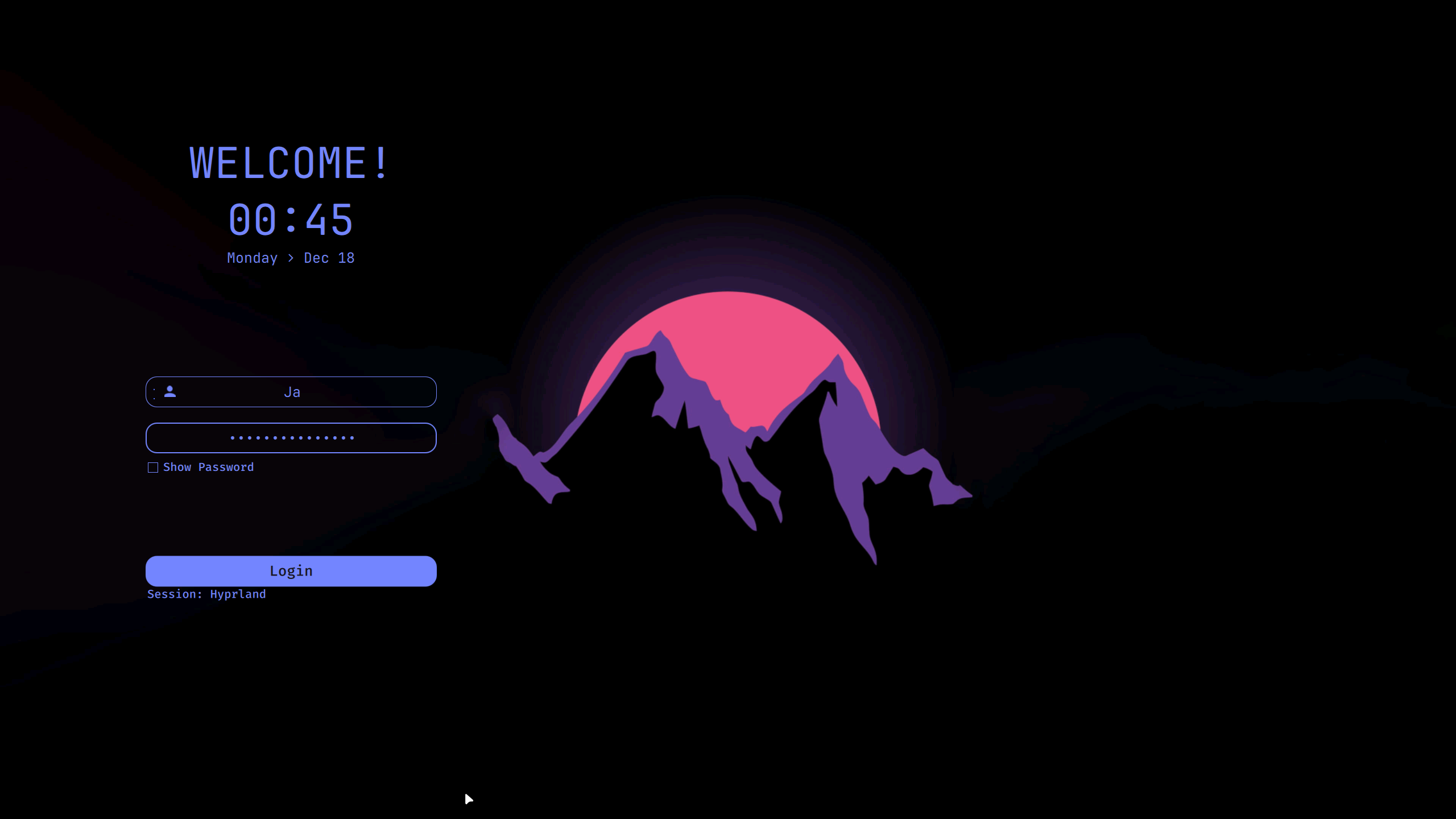
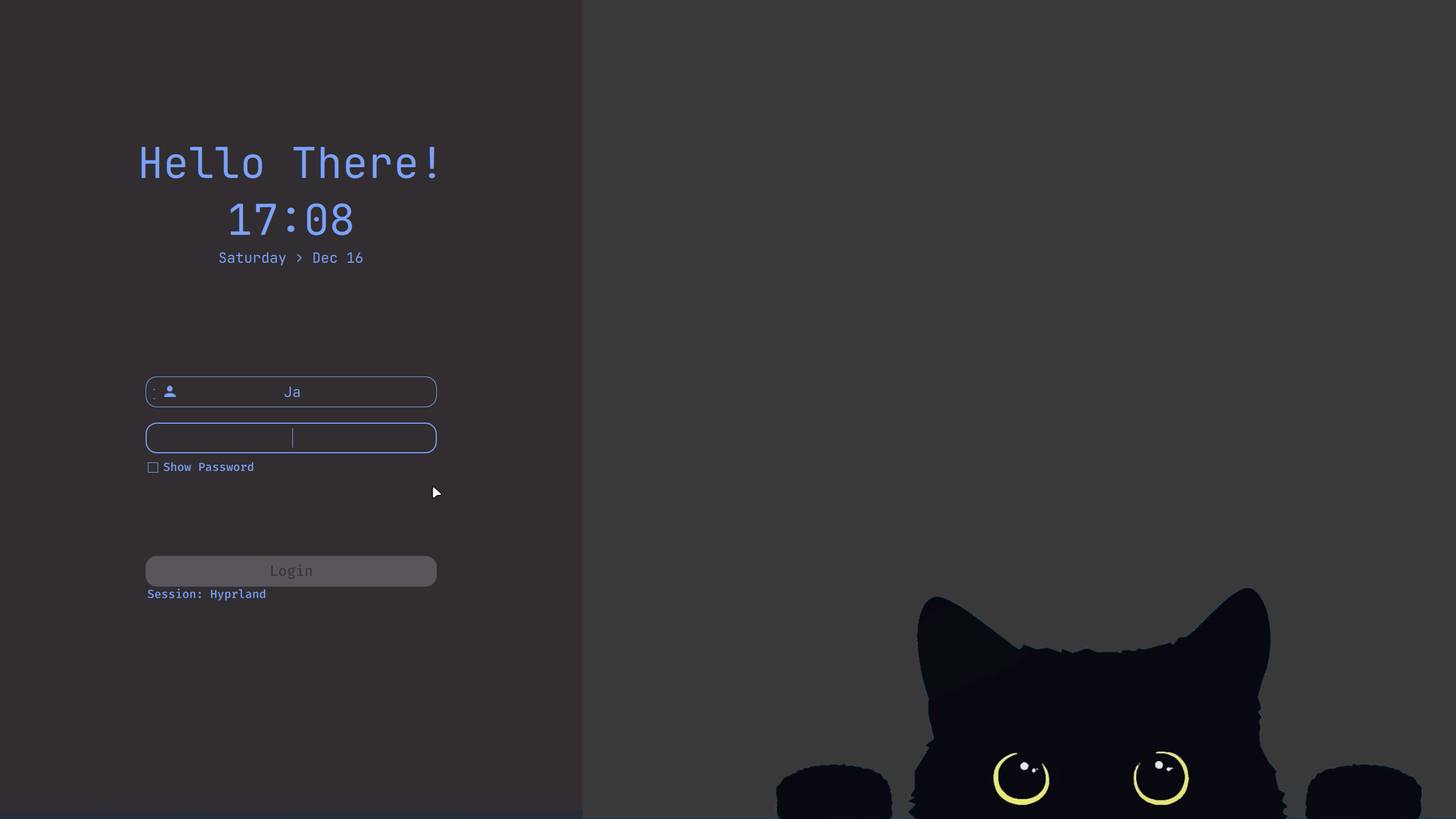
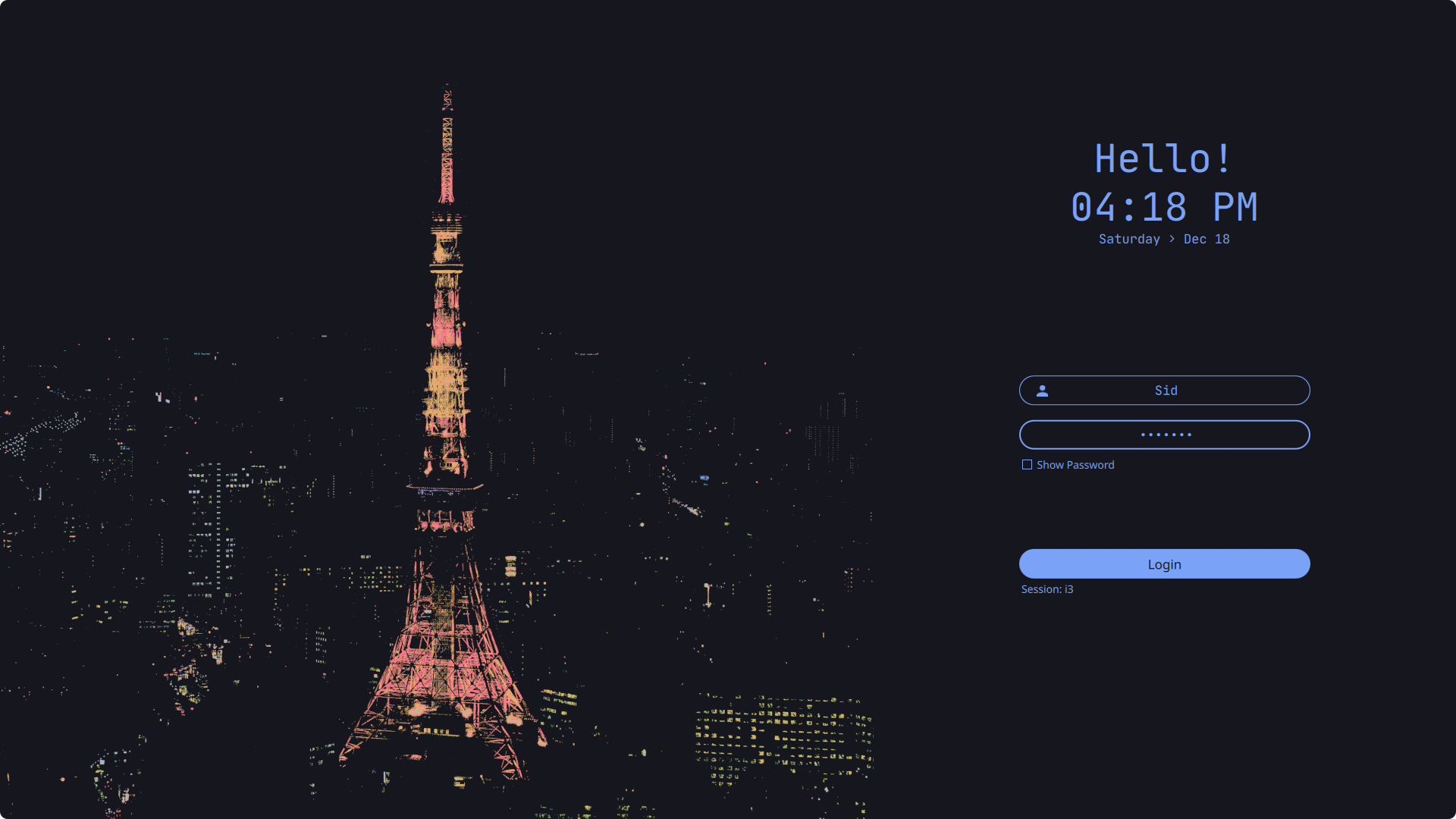
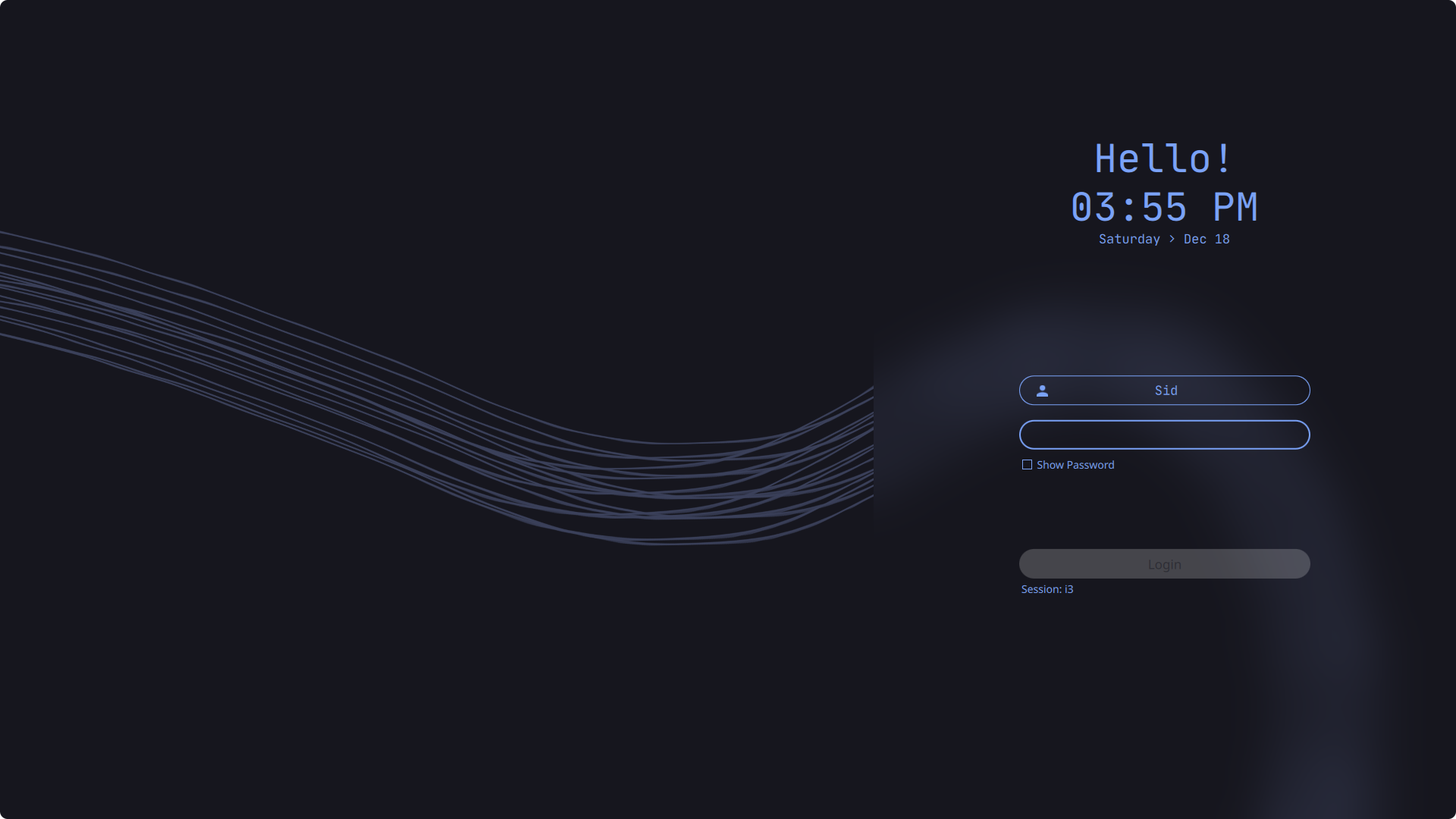
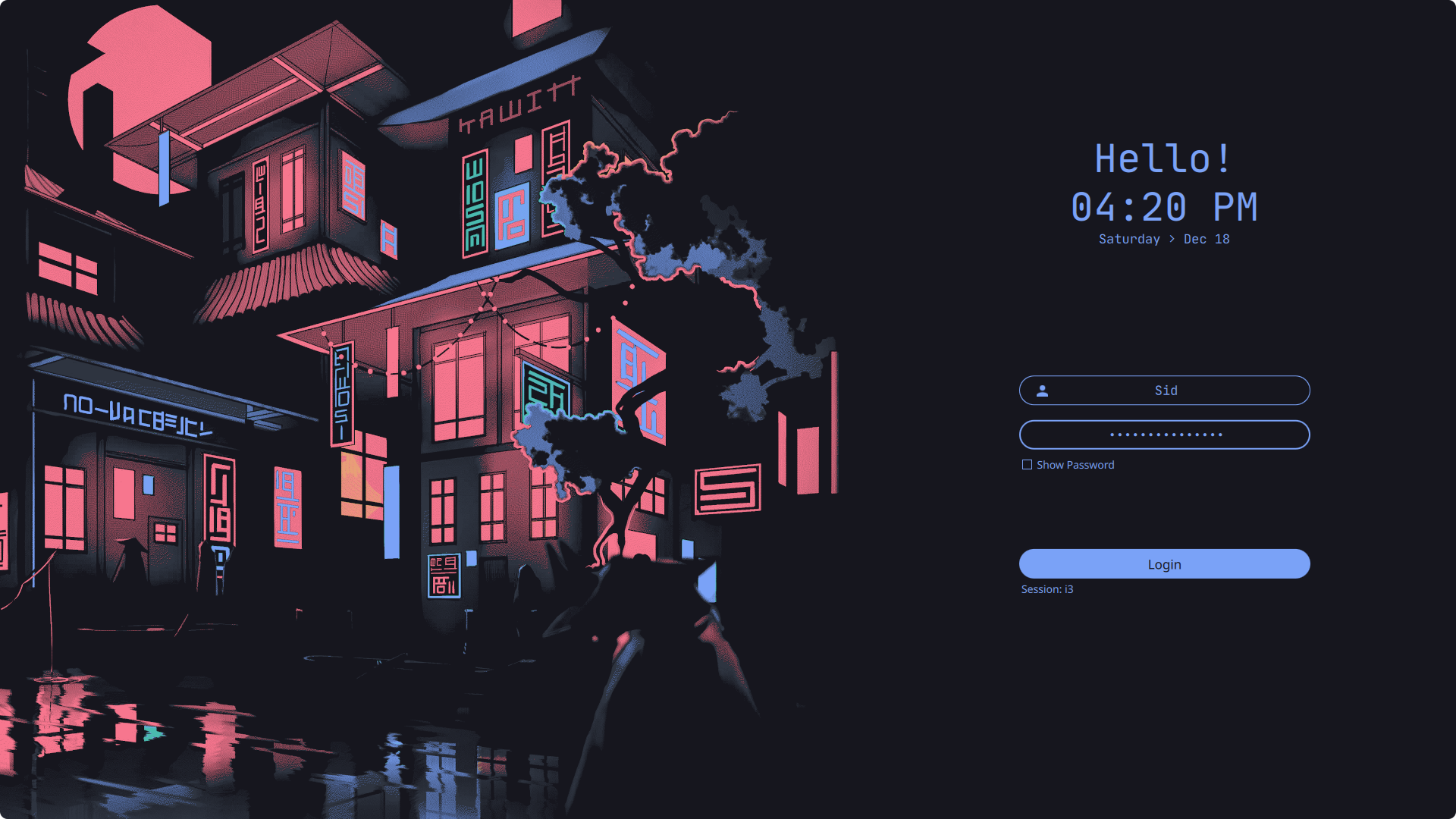
## Install
> _Assumes that you've installed and configured SDDM correctly_ (if not [read more](https://wiki.archlinux.org/title/SDDM))
> Please make sure you have the following dependencies installed:
- [`For Arch Linux`]
`qt6-5compat` `qt6-declarative` `qt6-svg` `sddm`
- [`For Fedora Linux`]
`qt6-qt5compat` `qt6-qtdeclarative` `qt6-qtsvg` `sddm`
- [`For OpenSuse TW`]
`qt6-qt5compat` `qt6-declarative` `qt6-svg` `sddm-qt6`
## Configure
Edit the or create if it does not exist `/etc/sddm.conf.d/theme.conf.user` (with any text editor with **raised** privileges), so that it looks like this:
```bash
sudo nano /etc/sddm.conf.d/theme.conf.user # use any text editor with raised privileges
---
[Theme]
Current=simple-sddm-2
```
### Language and time format
- By default, it is configured with 24H format. You can change to AM/PM variant by editing the theme.conf
```bash
sudo nano /usr/share/sddm/themes/simple-sddm-2/theme.conf # use any text editor with raised privileges
```
- `HourFormat="hh:mm AP` . Make sure to disable the above of this part
### 🖼️ Default SDDM background
- To change the default background, put desired image in the `/usr/share/sddm/themes/simple-sddm-2/Backgrounds/` folder and add the name of the image followed by its extension (`.jpg` or `.png`) in `theme.conf` file.
- You can also customize it further if you wish in the `/usr/share/sddm/themes/simple-sddm-2/theme.conf`
(blur, form position, etc).
## Credits
- Theme is based on [`LINK`](https://github.com/Keyitdev/sddm-astronaut-theme) by [**Keyitdev**](https://github.com/Keyitdev)